Welcome Guest
LOGIN NOW
← Back
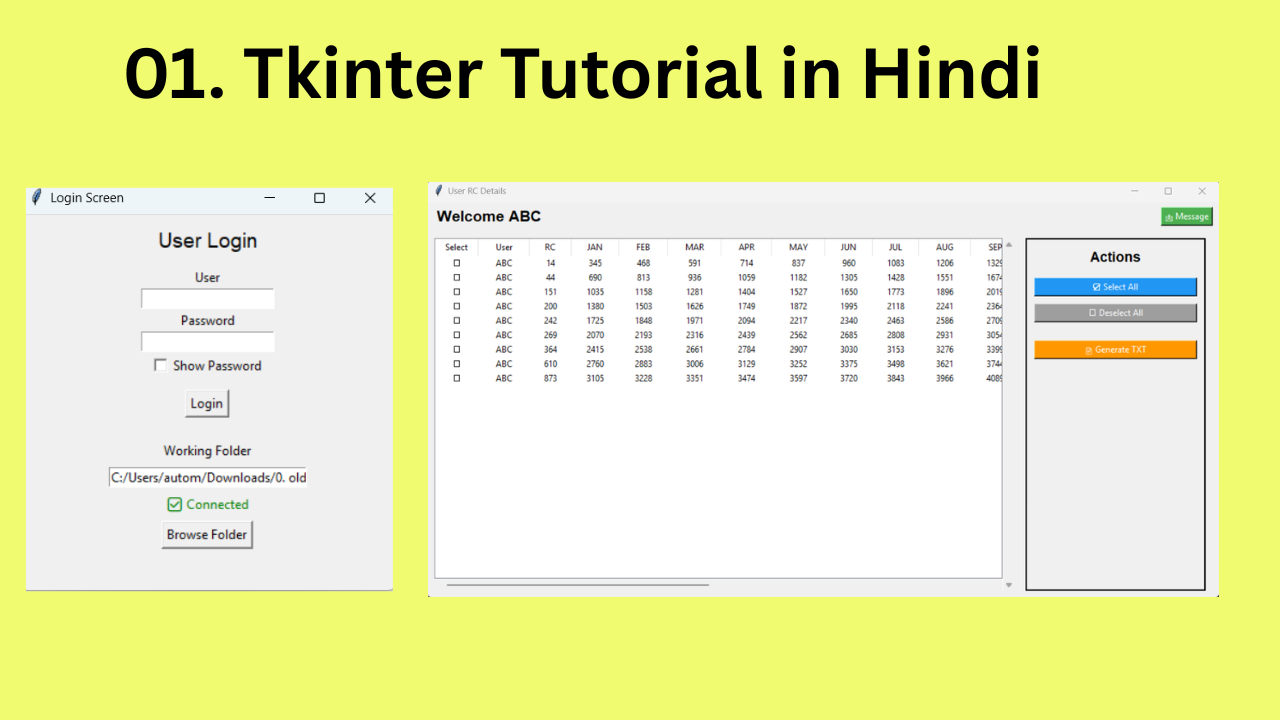
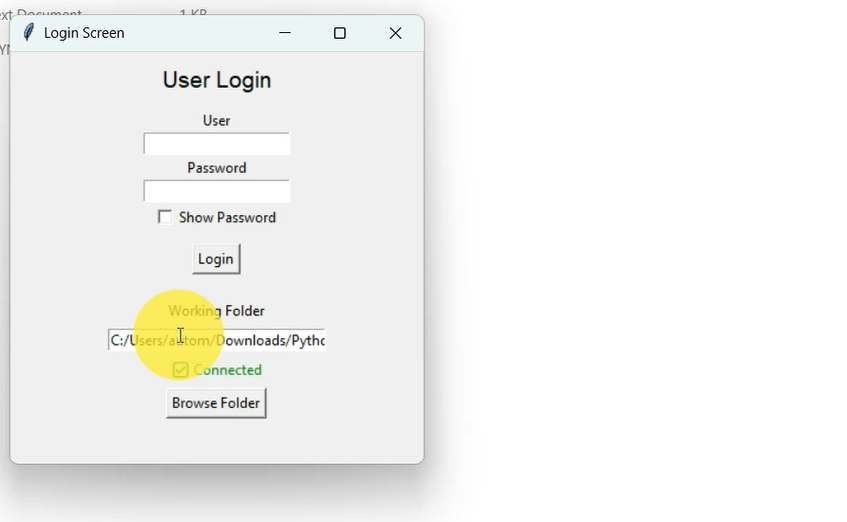
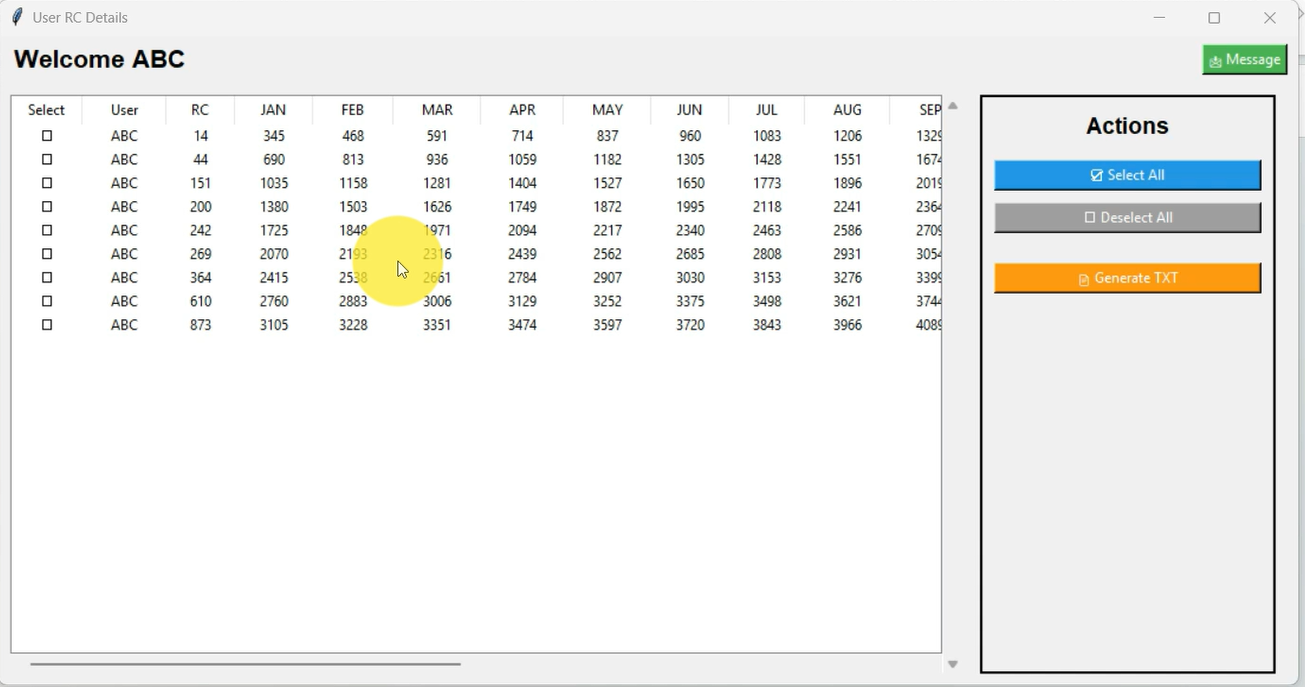
Python Tkinter Excel to Database App
Rs.299 Rs.800
This content is valid for Days after the date of purchase
In this video, learn how to build a Python Tkinter application that imports Excel data directly into a database using a professional GUI. This real-world project covers Excel file handling, data extraction, database integration, CRUD operations, and automation techniques. Perfect for beginners and advanced developers looking to improve Python, Tkinter, Excel automation, and database project skills for interviews, freelance work, and portfolio development.
Features:
Features:
- Excel to Database Automation: Import Excel data directly into a database through a professional Python Tkinter GUI application, eliminating manual data entry.
- Real-Time Python Project: Designed for practical business automation, data management, reporting systems, and software development use cases.
- GUI-Based File Import: User-friendly interface for selecting Excel files, validating data, and securely transferring records into the database.
- Database Integration: Supports efficient database connectivity for structured storage, record management, and CRUD operations.
- Data Validation & Processing: Ensures clean, organized, and accurate data transfer from Excel sheets into database tables.
- Productivity & Business Efficiency: Ideal for office automation, MIS systems, inventory software, HR tools, and freelance software projects.
- Portfolio & Interview Strength: Enhances Python, Tkinter, Excel automation, and database development portfolio for jobs and client services.
- Step-by-Step Learning Support: Complete tutorial guidance included for understanding GUI development, Excel integration, and database logic.
Requirements:
- Python: Python 3.x installed with required libraries.
- Tkinter: GUI framework enabled for desktop application development.
- Database: SQLite/MySQL or supported database system configured properly.
- Excel Libraries: Required packages such as pandas/openpyxl for Excel file processing.
- Structured Excel Format: Source Excel files must follow proper header and formatting guidelines.
Usage Guidelines:
- Do not modify core application logic unless customization is required for your own projects.
- Ensure Excel files maintain proper formatting for smooth database imports.
- Recommended for automation tools, data entry software, MIS systems, freelance software development, and interview preparation.
Policy:
- No Unauthorized Redistribution: Do not resell, distribute, or upload this project on social media or third-party platforms.
- No Refund Policy: All digital product purchases are final.
- Customization Support: Additional software development or business automation services may be purchased separately.
- Copyright Protected: Unauthorized duplication, redistribution, or misuse may result in legal action.